Trackers: a flexible template for stories that evolve
- 7x increase in tracker production, with 30 trackers published in the first year post-launch compared to 30 total in the previous 7 years
- Consistently top 10% for newsletter conversions in the months trackers were published, driving significant audience growth
- 6.5 minutes average time on page, indicating strong reader engagement with the new format
- Saved hundreds of hours for the Data & Graphics team by eliminating manual tracker creation and frequent Google Sheets fixes
The process
A “tracker” is an Industry Dive article format used to cover evolving stories and trends. Before this project, our Data & Graphics team manually created each tracker using a Google Sheets integration, which broke often. Creating and maintaining them was time-consuming and limited how many we could publish, which was an issue because they garner high levels of engagement.
Through this project, we moved trackers into our CMS and redesigned the reader-facing template to maximize reader engagement and growth. Initially, I focused on the reader-facing template design while the product design director pursued the CMS interface. Later, I was responsible for enhancements to both the reader-facing template and the internal-facing CMS.
We conducted user interviews with reporters and Data & Graphics team members to understand how and why they use trackers. We also audited published trackers to identify common features to templatize and examined their engagement data.
From this, we learned:
Readers needed to sort through large amounts of information quickly. Analytics showed trackers drove high engagement but short visit times, suggesting readers scanned for relevant updates rather than reading everything. Easy filtering and sorting would be essential to provide value.
Journalists needed a flexible format that could handle variation: different text lengths, entry counts, ordering methods, etc. The template had to be resilient enough to tell stories in many different ways.

I examined similar article formats from other publishers to identify common UX patterns. To make it easy for readers to sort through content, we made filtering a cornerstone of the experience with sticky filters and clickable filter labels for each entry. We opted for a breezy, light design with truncated entries to make it easier for readers to skim the tracker.

To build in flexibility, we added options for subheads, images and shareable links for individual entries.

Discovery revealed two main ordering patterns: date-driven trackers (most to least recent) and alphabetical trackers (for easy reference). We designed a format for both.

Shortly after, we designed a "profile" template that used the same infrastructure but highlighted individuals instead of news updates. We adapted our tracker design to emphasize names, titles, images, and bios.

For our annual PharmaVoice 100 awards, I designed custom code enhancements to give a profile tracker a more exclusive, elevated feel that matched the distinction of the awards. See that project here.

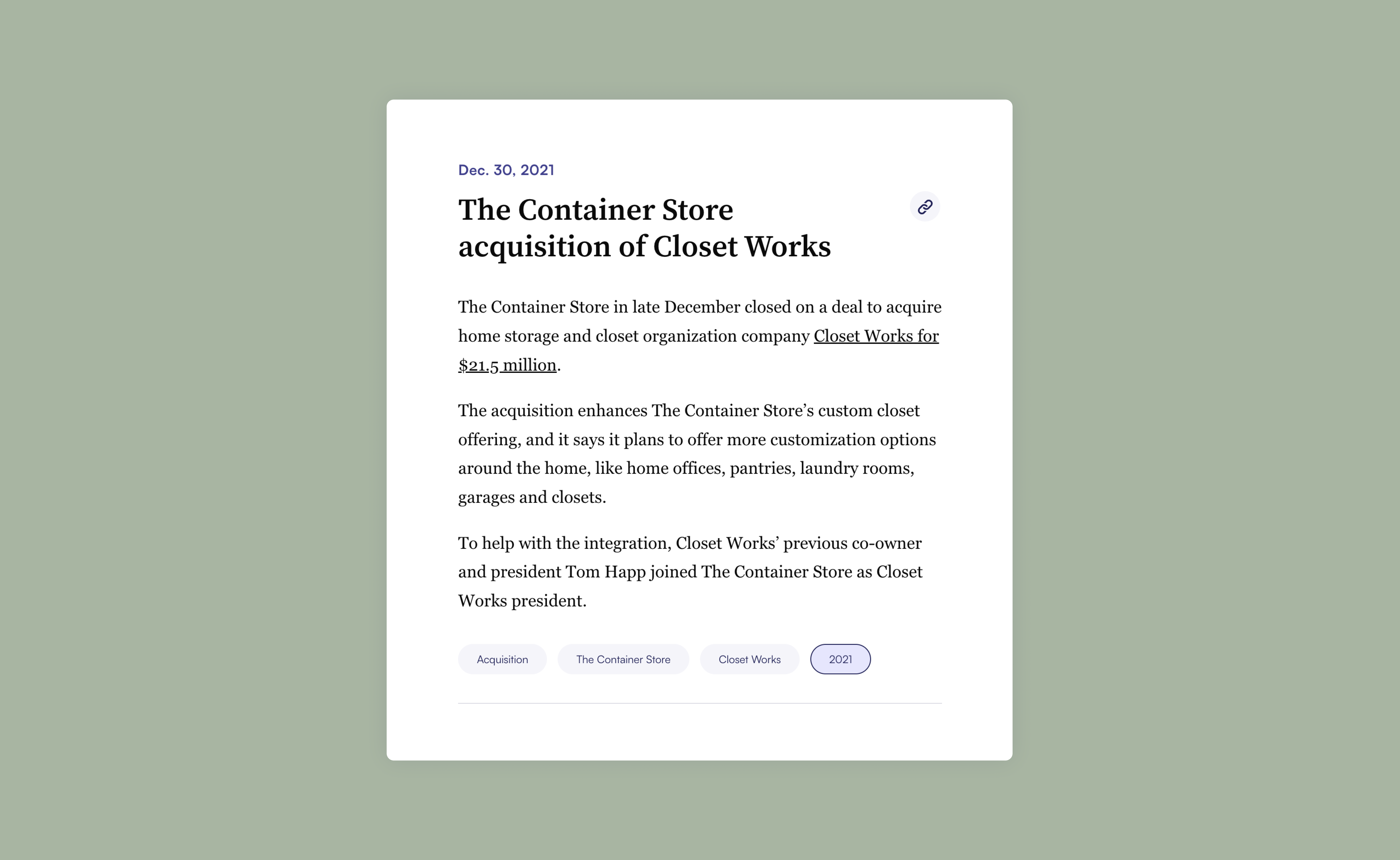
The new tracker templates have seen widespread adoption across our newsroom and are a key part of our overall editorial strategy. View a live tracker: Tracking notable recycling laws by state (standard tracker), A running list of states and localities that require employers to disclose pay or pay ranges (standard template), Construction Champions 2023 (profile template)
7x increase in tracker production, with 30 trackers published in the first year post-launch compared to 30 total in the previous 7 years
Consistently top 10% for newsletter conversions in the months trackers were published, driving significant audience growth
6.5 minutes average time on page, indicating strong reader engagement with the new format
Saved hundreds of hours for the Data & Graphics team by eliminating manual tracker creation and frequent Google Sheets fixes
“In terms of hours saved, I’d say several dozen hours at the low end to possibly a few hundred hours on the higher end ... Our team has been able to do much more journalistic and value-add work ... Not to mention all the additional projects we were able to take on with the extra time.” – Data and Graphics Director
This project sharpened my stakeholder interview skills. By talking to reporters, editors, and the Data & Graphics team, I learned to dig deeper into not just what people needed, but why they needed it. Understanding the true goals behind the requests led to a design that solved real problems, not just surface-level asks.
I also learned how to design for multiple audiences at once. Trackers needed to work for readers and for journalists. Deep research into both sets of needs led to a solution that served everyone well.
And this also made me realize great design work is about elimination just as much as addition. By streamlining and templatizing features, we freed the Data & Graphics team from hundreds of hours of manual work to focus on higher-value journalism!